
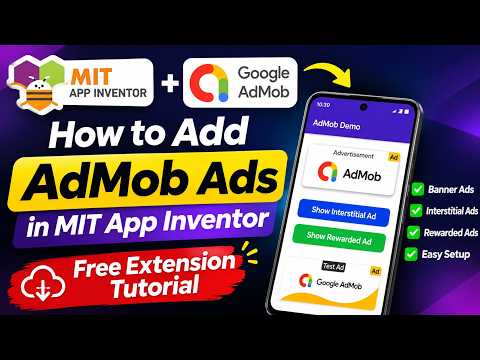
Building your own mobile app is an exciting milestone, but turning your hard work into revenue is where the real journey begins. If you are using MIT App Inventor to create feature-rich Android applications without complex coding, adding banner or interstitial ads is one of the best ways to start generating income.
In this step-by-step guide, we will walk you through how to integrate Google AdMob ads into your app projects using a completely free extension.
Why Monetize Apps with Google AdMob?
Google AdMob is one of the most reliable and widely used mobile advertising platforms in the world. By serving targeted advertisements to your active app users, you can earn passive income while keeping your application free for everyone to download. Combining AdMob with a visual programming platform like MIT App Inventor empowers creators to design, launch, and monetize Android software seamlessly.
Step-by-Step: Adding AdMob Ads to Your Project
Integrating AdMob ads into your app is straightforward when you follow these core steps:
- Download the Free AdMob Extension: Obtain a reputable, free AdMob extension file (
.aix) created for block-based app builders. - Import the Extension: Open your project workspace, navigate to the Palette panel on the left side, click Extension, and upload the
.aixfile. - Set Up the Components: Drag and drop the AdMob Banner or Interstitial component onto your screen. In the component properties, paste your official AdMob Publisher ID and Ad Unit IDs.
- Configure Logic Blocks: Switch to the Blocks Editor. Add logic blocks to load and display the ad when a screen initializes or when a user completes a specific action (such as clicking a button).
- Test Before Publishing: Always use official AdMob test unit IDs during development to avoid policy violations and account flags.
Start Earning Today
Monetizing your mobile apps does not require years of advanced programming experience. By leveraging free tools within MIT App Inventor, any creative developer can build functional projects and turn them into profitable digital assets. Get your free extension today, follow these setup steps, and unlock the revenue potential of your applications!


