
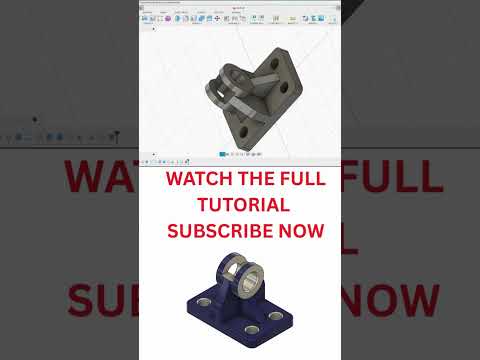
Whether you are an aspiring engineer, a product designer, or a maker diving into the world of 3D design, learning powerful CAD software is essential. Autodesk Fusion 360 has quickly become the go-to platform for creators looking to bring their ideas from concept to reality. From basic geometry to intricate mechanical components like impellers, mastering the fundamental features of this software will significantly boost your modeling efficiency.
Essential Tools Every CAD Designer Must Master
To build detailed parametric models, every designer needs to master a core set of digital tools. Here are the foundational features that will elevate your 3D modeling skills:
- Extrude: The backbone of 3D creation. Convert 2D sketches into solid 3D objects by adding depth to your flat profiles.
- Revolve: Perfect for cylindrical and symmetrical objects. Rotate a 2D shape around a central axis to effortlessly craft components such as shafts, pulleys, and impellers.
- Pattern (Circular & Rectangular): Save time and maintain exact symmetry by duplicating features across defined grids or axes without tedious re-sketching.
- Fillet & Chamfer: Give your models a refined finish. Round off sharp edges to improve ergonomics, stress distribution, and overall aesthetic quality.
Why Choose Fusion 360 for Your CAD Journey?
With so many design programs available, Fusion 360 stands out due to its intuitive user interface and robust toolset. It combines industrial design, mechanical engineering, and manufacturing into a single unified workspace. Whether you are creating simple parts or complex multi-component assemblies, its flexible environment supports your entire design pipeline.
Best Practices for Beginners
- Focus on Fully Constrained Sketches: Always define your dimensions and geometric constraints before applying 3D operations. This ensures your models remain stable during edits.
- Combine Core Features: Learn how tools like Revolve and Circular Pattern interact to create complex geometry in just a few clicks.
- Practice Regularly: Start with small home projects or basic mechanical hardware before attempting advanced surface modeling.
Ready to turn your concepts into functional prototypes? Fire up Fusion 360, start practicing these basic tools, and take your CAD design capabilities to the next level today!


