
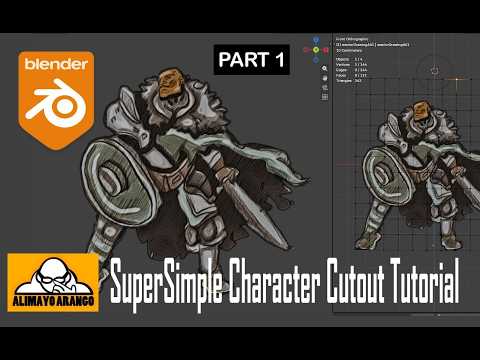
Are you tired of posting flat, static artwork that gets scrolled past on social media? It is time to step up your visual game. With the powerful features in Blender 5.2, transforming a simple 2D drawing into a dynamic, eye-catching animation has never been easier or more accessible for digital artists.
By combining traditional illustration techniques with Blender's powerful 3D viewport, you can create breathtaking hybrid elements that bridge the gap between 2D art and modern motion design.
Why Transform Your Flat Artwork?
Static art is beautiful, but motion captures attention instantly. When you take a flat 2D drawing and give it subtle movement—such as flowing hair, floating environment particles, or layered depth—you instantly create an immersive experience for your audience.
Blender 5.2 offers enhanced tools that make splitting image layers, adding depth, and applying camera movement intuitive. You don't need years of complex 3D modeling experience to get started; all you need is your illustration and a willingness to explore Blender's creative workspace.
Step-by-Step Overview: From Concept to Motion
- Prepare Your Asset: Separate your artwork into distinct foreground, midground, and background layers in your preferred drawing software before importing.
- Import into Blender: Bring your layers into Blender 5.2 as image planes or Grease Pencil objects to establish realistic camera depth.
- Rig and Deform: Use basic armatures, curves, or lattice modifiers to give smooth, natural life to specific elements of your artwork.
- Add Lighting and Effects: Introduce subtle camera pans, dynamic lighting, and depth of field to emphasize the captivating hybrid effect.
- Keyframe and Render: Animate your movement parameters, refine the motion in the Graph Editor, and render your final high-impact video loop.
Elevate Your Visual Storytelling Today
Learning how to animate a 2D drawing in Blender 5.2 opens up endless creative possibilities. Whether you are a concept artist, comic creator, or general illustrator, adding motion to your portfolio will help your work stand out in a crowded digital landscape. Stop letting your art sit still—fire up Blender 5.2 today and start bringing your illustrations to life!


