
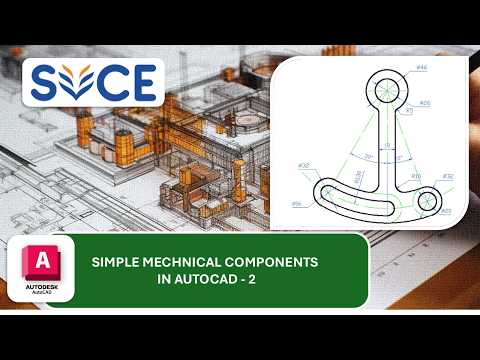
Mastering computer-aided design is one of the most valuable skills for aspiring engineers, drafters, and product designers. Whether you are creating basic geometric shapes or intricate mechanical schematics, learning the fundamentals of 2D drawing in AutoCAD is the ultimate starting point. This beginner-friendly guide breaks down the essential steps to help you create precise, professional mechanical diagrams with confidence.
Setting Up Your Workspace for Success
Before diving into detailed technical blueprints, it is essential to prepare your AutoCAD environment. Start by setting up standard units (metric or imperial) according to your project requirements. Familiarize yourself with fundamental draw tools such as Line, Circle, Arc, and Polyline, alongside essential modify commands like Trim, Extend, Offset, and Fillet.
To ensure pinpoint accuracy in every 2D drawing, always keep Object Snap (OSNAP) active. OSNAP allows you to snap directly onto exact reference points—such as endpoints, midpoints, and centers—eliminating manual placement errors and keeping your technical drafts perfectly aligned.
Breaking Down Complex Mechanical Diagrams
Intricate mechanical components can often feel overwhelming to draft from scratch. The secret to tackling complex diagrams is breaking them down into simple geometric shapes:
- Establish Centerlines and Axes: Begin by placing reference lines to locate symmetrical features, bolt circles, or main structural centers.
- Draft the Base Geometry: Construct the primary outer profiles using basic commands. Focus on core dimensions before adding detailed features.
- Refine Details and Curves: Add arcs, fillets, and chamfers to match precise technical specifications.
By approaching each mechanical exercise systematically, you convert challenging projects into simple, manageable drafting steps.
Best Practices for Clean CAD Drafting
To elevate your drafting workflow and maintain organized project files, keep these key habits in mind:
- Organize with Layers: Assign distinct layers for outline geometry, dimensions, centerlines, and annotations to maintain visual clarity.
- Apply Clear Dimensioning: Use standardized dimension styles to ensure your drawings are easy for machinists and engineers to read.
- Practice Routinely: Completing hands-on exercises is the fastest way to build drafting speed and muscle memory.
With consistent hands-on practice, you will quickly master every fundamental 2D drawing technique and gain the confidence needed to handle real-world mechanical design projects.


