
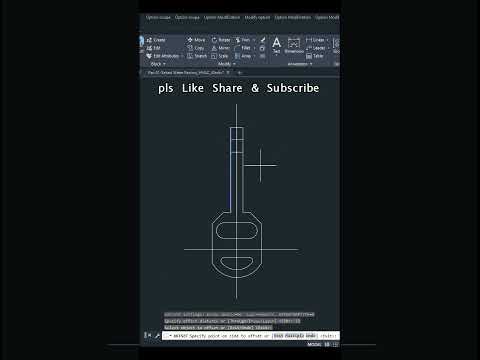
Computer-Aided Design (CAD) is the foundation of modern engineering, architecture, and drafting. Whether you are a beginner taking your first steps or a seasoned professional refining your workflow, consistent hands-on practice is essential for mastering modern 2D drawing techniques. Working with structured CAD practice diagrams allows you to bridge the gap between knowing basic commands and executing practical applications efficiently.
Why CAD Practice Diagrams Matter
Learning software commands in isolation is rarely enough to build professional competency. Real-world design projects demand speed, structural accuracy, and efficient problem-solving. Practice diagrams present tangible design challenges—such as precise geometric constraints, intricate angles, and detailed dimensioning—that force you to select the best tools for the job.
By regularly working through CAD exercises, you will: - Improve Speed and Workflow: Memorize keyboard shortcuts and command sequences that drastically reduce drafting time. - Enhance Precision: Master object snaps, grids, and coordinate input to ensure exact measurements every time. - Develop Spatial Reasoning: Learn how to break down complex objects into clear, accurate layouts.
Core Techniques for Accurate Drafting
To get the most out of any exercise diagram, focus on honing fundamental CAD workflows. Transforming a basic conceptual sketch into an accurate 2D drawing requires a disciplined approach:
- Master Essential Geometry Tools: Build a solid foundation using primary creation tools like Line, Circle, Arc, Polyline, and Trim.
- Leverage Modification Commands: Speed up your drafting process using Offset, Mirror, Array, and Rotate commands rather than redrawing repeating elements from scratch.
- Utilize Layers and Annotation: Keep your workspace organized by separating geometry, hatch patterns, dimensions, and text onto dedicated, standard-compliant layers.
Elevate Your Design Capabilities
Consistency is the key to becoming a proficient CAD designer. By analyzing and recreating realistic CAD practice diagrams, you build the muscle memory required to tackle complex professional drafting tasks with ease.
Start taking on new CAD challenges today, test your skills against varied practice diagrams, and watch your overall confidence in 2D drawing soar!


