
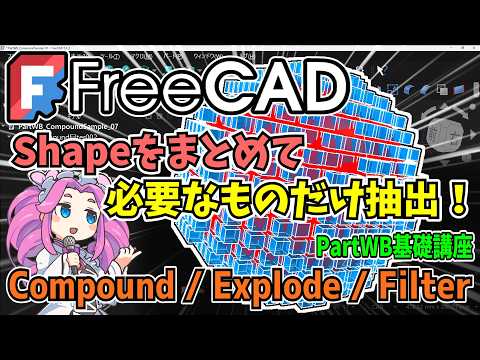
If you are diving into the world of open-source modeling, mastering the Part Workbench is a crucial step in your journey. While many beginners focus solely on creating primitives or performing Boolean operations, professional-grade modeling requires high-level organization. In this guide, we will explore how to manage your geometry efficiently using the Compound, Explode, and Filter tools in 3D FreeCAD.
Organizing with the Compound Tool
As your projects grow in complexity, your tree view can quickly become cluttered with dozens of individual shapes. The "Compound" tool is your best friend for organization. Unlike a Boolean Union—which fuses shapes into a single mesh—a Compound simply bundles multiple shapes together into one container.
This allows you to move, rotate, or apply properties to the entire group while maintaining the individual integrity of each part. It is an essential workflow for anyone looking to keep their 3D FreeCAD workspace clean and manageable.
Deconstructing Geometry with the Explode Tool
What happens when you have a complex object or a Compound that you need to break back down into its constituent parts? This is where the "Explode" (or Downgrade) command comes in.
When you apply the Explode tool to a Compound, FreeCAD breaks it back down into its original individual shapes. If you apply it to a solid, it can even break the object down into its separate faces, shells, or wires. This is incredibly useful when you need to modify a specific portion of a model without undoing your entire history.
Precision Selection with the Filter Tool
The "Filter" tool within the Part Workbench allows for advanced extraction of geometric elements. Sometimes, you don't need the whole object; you might only need a specific face for a sketch attachment or a specific edge for a sweep path. By using filters, you can isolate and extract exactly what you need from a complex shape, ensuring your downstream operations remain precise and error-free.
Conclusion
Understanding how to group, break apart, and extract geometry is what separates a hobbyist from a power user. By mastering these three fundamental tools, you will significantly improve your efficiency and design flexibility within 3D FreeCAD. Whether you are building simple parts or complex assemblies, organization is the key to success.


