
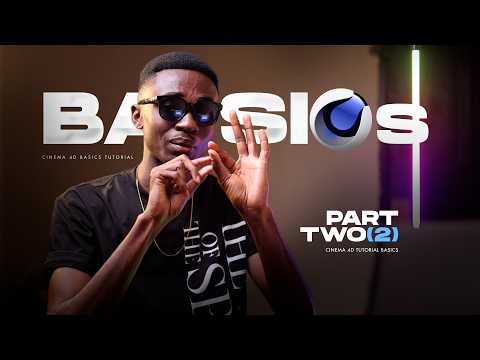
Creating eye-catching typography is an essential skill for motion designers, visual artists, and graphic creators. Whether you are designing movie intros, promotional flyers, or digital posters, learning how to craft striking 3D text in Cinema 4D can completely transform your visual projects.
Crafting Impactful 3D Titles
When it comes to title design, flat 2D text often falls short of capturing a viewer's attention. By taking advantage of powerful 3D software like Cinema 4D, creators can add realistic depth, complex bevels, and dynamic textures to their lettering.
To achieve a high-end look, focus on the geometry of your type. Using custom extrusions, subtle caps, and refined bevel settings helps your text catch light far more naturally. Paired with MoGraph tools, you can easily deform, distort, or animate individual letters to give your text a distinct personality.
Integrating 3D Renders into Graphic Projects
Once your text is modeled and rendered, the creative workflow doesn't stop there. Combining high-quality 3D renders with 2D post-processing tools like Adobe Photoshop opens up endless artistic possibilities.
For instance, if you are designing event flyers or artwork covers, importing your rendered title into a graphic editor allows you to apply color grading, lens flares, and atmospheric smoke effects. This hybrid workflow bridges the gap between clean 3D modeling and stylish graphic editing, resulting in stunning, modern graphics.
Quick Tips for Better Title Designs
- Focus on Lighting: A basic three-point light setup paired with an HDRI studio map will immediately elevate the quality of your renders.
- Refine Your Materials: Avoid plain colors. Incorporate subtle roughness maps, metallic finishes, or bump textures to make the surface feel tactile.
- Layer Your Post-Effects: Add depth of field, light leaks, and color accents during post-production to seamlessly blend your title with the background.
Mastering text and title artwork in Cinema 4D takes practice, but the visual impact it delivers is unmatched. Start experimenting with simple typography, tweak your lighting setups, and take your digital graphic edits to the next level.


