
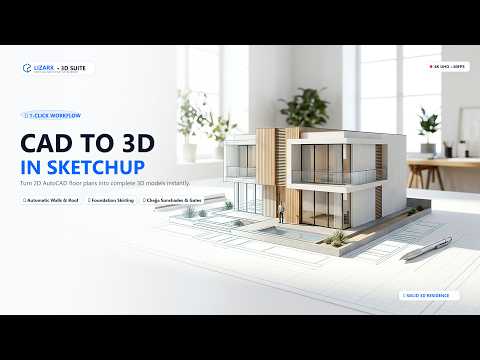
For architects, interior designers, and visualizers, converting 2D AutoCAD floor plans into fully realized 3D models can often feel like a tedious, time-consuming task. Manually pushing, pulling, and tracing walls line-by-line takes up valuable hours that could be better spent on creative design. What if you could transform a standard 2D DWG floor plan into a detailed 3D SketchUp building in just a few seconds?
With the powerful Lizark extension, that streamlined workflow is now a reality.
What is the Lizark SketchUp Extension?
Lizark is a specialized plugin designed to automate the conversion of 2D CAD drawings into multi-dimensional architectural geometry. Instead of manually drawing walls, window frames, and door openings from scratch, Lizark reads the vector lines of your imported DWG floor plans and automatically extrudes them into a complete 3D SketchUp model with a single click.
Key Benefits of Automating Your 2D-to-3D Workflow
- Unmatched Speed: Cut down your initial modeling phase from hours to seconds. Generate entire building layouts, structural walls, and openings instantly.
- Precision Modeling: Minimize human error by allowing the extension to accurately interpret your AutoCAD drawing dimensions directly inside your workspace.
- Seamless Integration: Bridge the gap between 2D drafting and 3D rendering without complicated file conversions or broken geometry.
- Intuitive Setup: You don't need advanced scripting skills—Lizark is designed to be accessible for beginners while remaining robust enough for professional production environments.
How to Get Started
Getting started with this tool is simple. Clean up your 2D DWG file in AutoCAD to remove unnecessary layers, then import it into your workspace. Run the Lizark plugin, set your desired wall heights and structural parameters, and let the tool generate your base building automatically.
Elevate Your Design Productivity
Time is one of the most critical assets in architectural design and rendering. By integrating smart automation into your pipeline, you free up time to focus on materials, lighting, and client presentations. If you want to accelerate your project delivery, mastering automated tools for 3D SketchUp workflows is one of the best upgrades you can make to your design toolkit today.


