
Have you ever dreamed of creating your own virtual world? Whether you want to build a sprawling RPG or a simple, stylized platformer, the journey from a blank screen to a finished product is an exhilarating experience. Unity is currently one of the most powerful and versatile engines available to creators, and learning how to navigate 3D Unity is the essential first step toward becoming a professional game developer.
Setting Up Your Creative Workspace
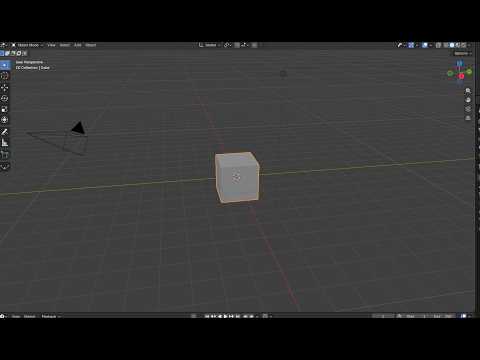
Before you dive into coding or character design, you need to familiarize yourself with the engine's interface. Unity’s layout is designed for a streamlined workflow, but it can look intimidating to a newcomer. Start by creating a new project and selecting the 3D template. Once the editor loads, you will see the Hierarchy, Scene view, and Inspector. By mastering the basics of the 3D Unity environment early on, you lay a solid foundation for more complex mechanics and high-end graphics later in your project.
Bringing the World to Life
In 3D development, the world-building process involves placing GameObjects—like cubes, spheres, and planes—into your scene. To make your game truly stand out, you can import custom 3D models or use assets from the Unity Asset Store. Adding lighting and physics is what transforms a static scene into an immersive experience. Unity’s built-in physics engine handles gravity and collisions automatically, allowing you to focus on the creative aspects of level design and atmosphere.
Adding Logic and Interaction
A game isn't a game without interaction. This is where scripting comes in. Using the C# programming language, you can define how your characters move, how enemies behave, and how the player interacts with the environment. If you are new to coding, don't be discouraged; the community surrounding 3D Unity is massive, offering endless tutorials and documentation to help you troubleshoot every line of code.
Conclusion
Building your first game is a marathon, not a sprint. The key to success is to start small, iterate often, and stay curious. By experimenting with the various tools and features offered by the engine, you will soon find that your dream game is well within reach. Grab your mouse, open up a new project, and start creating today!


