
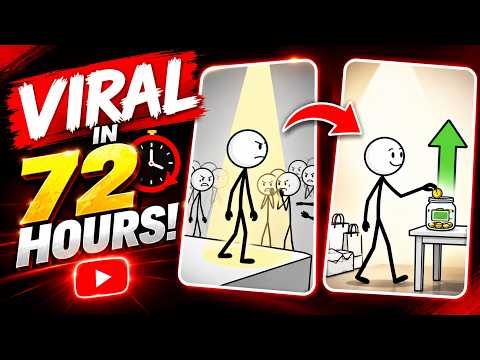
Have you noticed how simple stickman videos consistently rack up millions of views on TikTok, YouTube Shorts, and Instagram Reels? You don't need a degree in animation or thousands of dollars in software to join the trend. Thanks to recent breakthroughs in artificial intelligence, anyone can transform a simple 2D drawing into a captivating, animated video completely for free.
In this guide, we will walk you through the ultimate step-by-step workflow to turn your rough sketches into viral stickman animations using power-packed AI tools.
Step 1: Create Your Base Character
Every great animation starts with a clean concept. You can draw your character on paper, use a digital canvas, or let an AI image generator craft one for you. The key to a successful animation lies in high contrast—make sure your character stands out clearly against a plain white background. Creating a well-defined 2D drawing with distinct arms, legs, and head ensures that the AI can easily detect the body structure later in the process.
Step 2: Bring Your Character to Life with AI
Once your character sketch is ready, it is time to add motion using free web-based AI tools like Meta's Animated Drawings.
- Upload Your Image: Import your sketch into the AI platform.
- Adjust the Joint Rigging: The AI will automatically identify the character's joints (elbows, knees, shoulders). Fine-tune these points if necessary so the movement looks natural.
- Select Motion Presets: Choose from dozens of pre-made motions, ranging from walking and running to dancing and jumping.
Within seconds, your static artwork transforms into a fully animated loop without you having to draw a single extra frame!
Step 3: Add Sound and Edit for Virality
An animation is only half the battle; sound brings it to life. Import your newly animated clip into a free video editor like CapCut. Add trending background music, funny sound effects, or an AI-generated voiceover to tell a short story. By taking a minimalist 2D drawing and layering it with engaging audio and dynamic captions, you create the exact recipe needed for high viewer retention and virality.
Final Thoughts
Content creation no longer requires complex technical skill sets. By combining basic character design with automated motion tools, you can build a massive library of entertaining short-form videos in minutes. Grab your digital pen or AI generator today, and start animating!


