
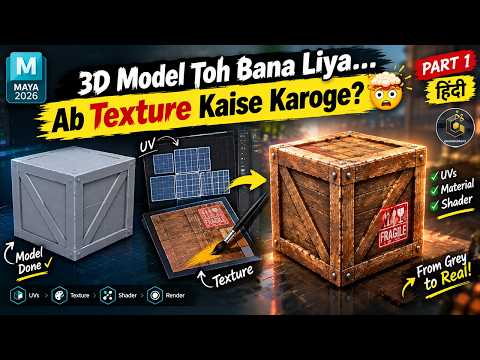
Building a high-quality 3D model is a massive achievement, but a model without texture is like a house without paint—it lacks character, depth, and realism. If you have mastered the art of poly-modeling but find yourself stuck when it comes to adding color and detail, you are not alone. Transitioning from a flat, grey geometry to a realistic asset is one of the most exciting phases in the production pipeline, especially when using a powerful tool like 3D Maya.
From Flat Geometry to Realistic Assets
The process of texturing involves more than just picking a color. It is about defining how a surface interacts with light. Does it look like rusted metal, polished glass, or soft fabric? In the latest version of Maya 2026, the tools for material assignment and shader management have become more intuitive, allowing artists to bridge the gap between a basic "flat" model and a professional-grade render. Before you dive into the technical details, it is crucial to understand that texturing is what gives your model its story and history.
Navigating the Maya 2026 Texturing Workflow
When you begin your texturing journey in 3D Maya, the first step is often understanding the Hypershade and the various material types available, such as the Standard Surface shader. This shader is the industry standard for creating everything from plastic to chrome. However, before applying these materials, you must ensure your UV mapping is clean. UVs are essentially the 2D blueprint of your 3D model, and without proper unwrapping, your textures will look stretched or distorted.
Pro Tips for Beginners
To get the best results, always work with high-quality references. If you are texturing a wooden table, look at how real wood grains behave and where the surface would naturally wear down. Maya 2026 offers enhanced viewport previews, so you can see your adjustments in real-time, making it easier to tweak your settings without waiting for long render times.
By mastering these foundational elements of 3D Maya, you transform your creative process. You move away from simply making shapes and start creating immersive worlds and believable characters. Remember, texturing is where your creativity truly shines, so don’t be afraid to experiment with different nodes and maps to achieve that perfect look.


