
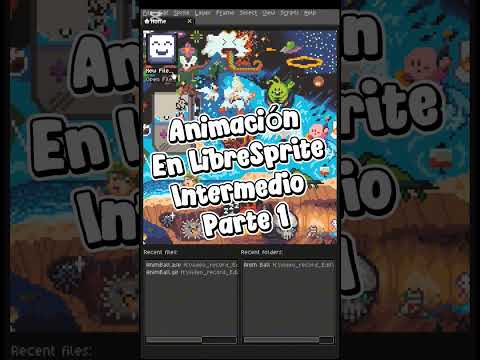
Pixel art has captured the hearts of gamers, digital artists, and retro enthusiasts for decades. While creating static sprites is a great starting point, taking your 2D drawing skills to the next level requires understanding the mechanics of fluid motion. Moving from basic static art to intermediate animation techniques is where your digital artwork truly begins to tell a compelling story.
Understanding the Fundamentals of Intermediate Animation
Once you have mastered basic pixel shapes and color palettes, the next phase in pixel art is learning how to animate effectively. Intermediate animation is not just about moving an object across the screen; it is about conveying weight, anticipation, and natural movement.
Key concepts to focus on include: - Inbetweening: Creating the transitional frames between major pose keyframes to ensure smooth motion. - Easing (Ease-In & Ease-Out): Spacing frames strategically so character actions accelerate and decelerate realistically. - Secondary Motion: Adding subtle details like flowing hair, swaying clothing, or follow-through motion that give your characters life.
Unlike traditional art formats, intermediate pixel animation relies heavily on clean 2D drawing foundations. Because pixel counts are limited, every single pixel plays a critical role in defining form, silhouette, and movement during action sequences.
Tips for Refining Your Pixel Art Workflow
To achieve fluid results in your pixel animation shorts, structure your workflow step-by-step:
- Establish Strong Keyframes: Define the extreme poses of your action before attempting to animate the movement between them.
- Maintain Silhouette Clarity: Ensure your character's action is recognizable at a glance, even before adding internal details or shading.
- Start Small: Work on smaller canvas sizes (such as 32x32 or 64x64 pixels) to master timing and motion physics without getting bogged down in detail.
Final Thoughts
Mastering intermediate animation techniques is a rewarding journey that elevates a simple 2D drawing into a dynamic digital artwork. By applying core principles like easing, timing, and pixel precision, you can bring your pixel characters to life and create captivating animation shorts. Open your favorite pixel art program today and start bringing your artwork into motion!


